Tap to Pay on Android

Take contactless payments on your Android phone with Lloyds Accept.

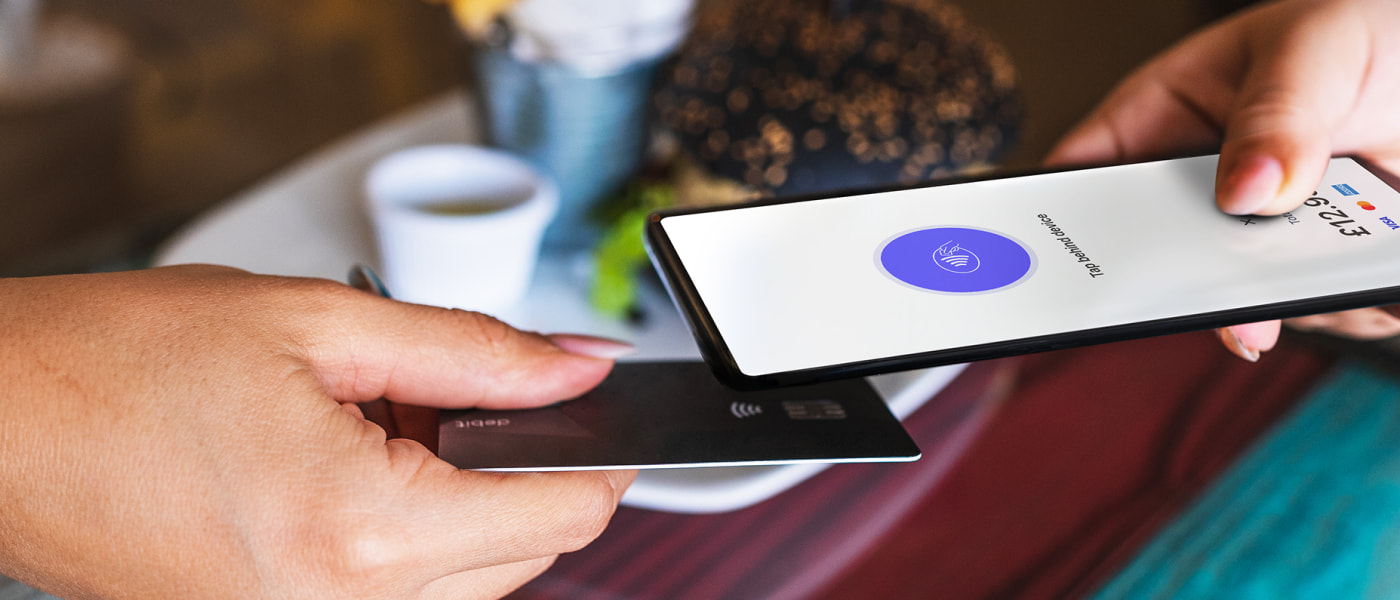
Person accepting contactless payment on Android with Lloyds Accept.

Lloyds Accept now offers Tap to Pay on Android. So you can accept in-person, contactless payments from debit cards, credit cards, and digital wallets. Simple, secure and no extra hardware needed. Just your Android phone. 

Lloyds Accept now offers Tap to Pay on Android. So you can accept in-person, contactless payments from debit cards, credit cards, and digital wallets. Simple, secure and no extra hardware needed. Just your Android phone. 

How it works

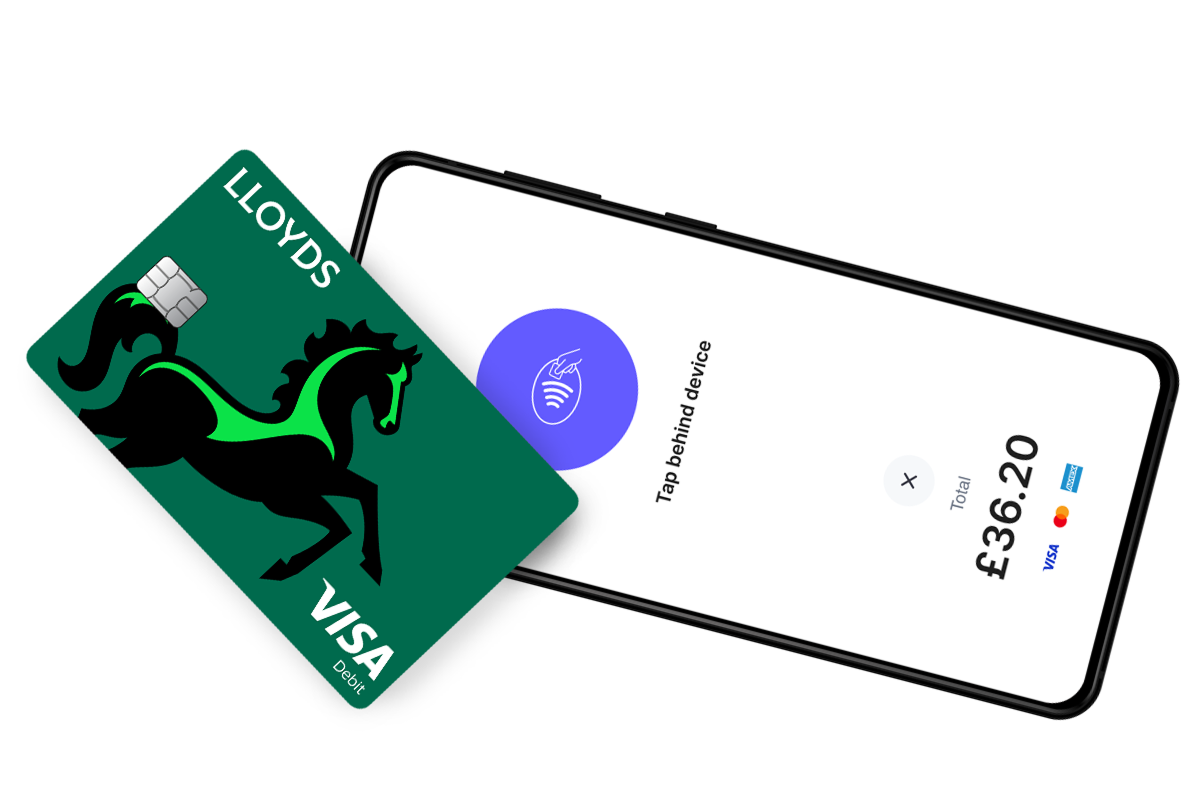
Making ontactless payment on Android with Lloyds Accept.

Do business wherever you are

With Tap to Pay on Android, you can accept payments wherever you are. Meaning you can reach more customers, take payments on the go and explore new opportunities for your business. All you need is an Android phone and the Lloyds Accept app. 

Making ontactless payment on Android with Lloyds Accept.

Do business wherever you are

With Tap to Pay on Android, you can accept payments wherever you are. Meaning you can reach more customers, take payments on the go and explore new opportunities for your business. All you need is an Android phone and the Lloyds Accept app. 

No extra hardware

Avoid extra hardware and costs – Lloyds Accept can replace card readers and terminals. Making it simpler for you to start a new business or expand operations. With an Android phone and the Lloyds Accept app, anyone can accept contactless payments. Simple.

No extra hardware

Avoid extra hardware and costs – Lloyds Accept can replace card readers and terminals. Making it simpler for you to start a new business or expand operations. With an Android phone and the Lloyds Accept app, anyone can accept contactless payments. Simple.

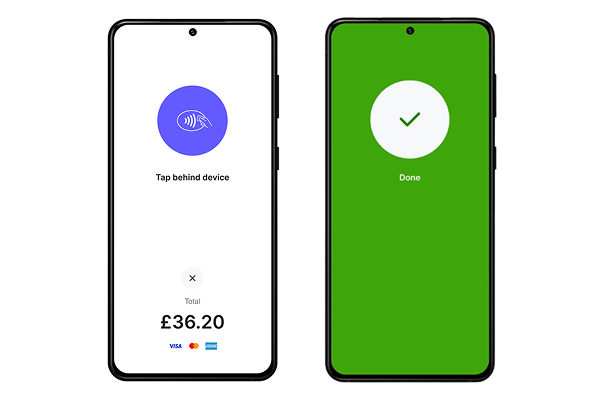
Two Android devices in process of completing contactless payment using Tap to Pay.

Simple and accessible

If your customers need visual assistance or other types of support, there’s accessibility options for them. They’ll still be able to use Tap to Pay on Android to pay using their PIN – with audible instructions, ways to enter and submit their PIN. 

Two Android devices in process of completing contactless payment using Tap to Pay.

Simple and accessible

If your customers need visual assistance or other types of support, there’s accessibility options for them. They’ll still be able to use Tap to Pay on Android to pay using their PIN – with audible instructions, ways to enter and submit their PIN.

Get started with Tap to Pay on Android 

Step 1

Apply and get approved.

Step 2

Download the Lloyds Accept app.

Step 3

Complete sign-up information.

Step 4

Start taking payments on your Android phone with Tap to Pay.

Get Tap to Pay on Android with Lloyds Accept 

Start taking payments in 4 simple steps. Ideal for smaller businesses looking to take payments on the go. There’s no monthly bills or contract tying you down, just transaction fees starting at 1.5% + 20p.*

*Most transaction fees will have the standard transaction fee of 1.5% + 20p. Other fees apply if your customer uses a premium or international card.