View and make changes to your cover
There are no admin fees when you update your cover and you’ll be able to see the difference in price before you decide to make the change.
Here's what you can do online
- View your cover and premium.
- Add or remove optional cover.
- Change the amount or level of cover.
- Add valuable items, for example a diamond ring.
- Increase or decrease your excess.
If your policy is with Halifax and you don’t have Lloyds online banking, you can view and change your cover online.
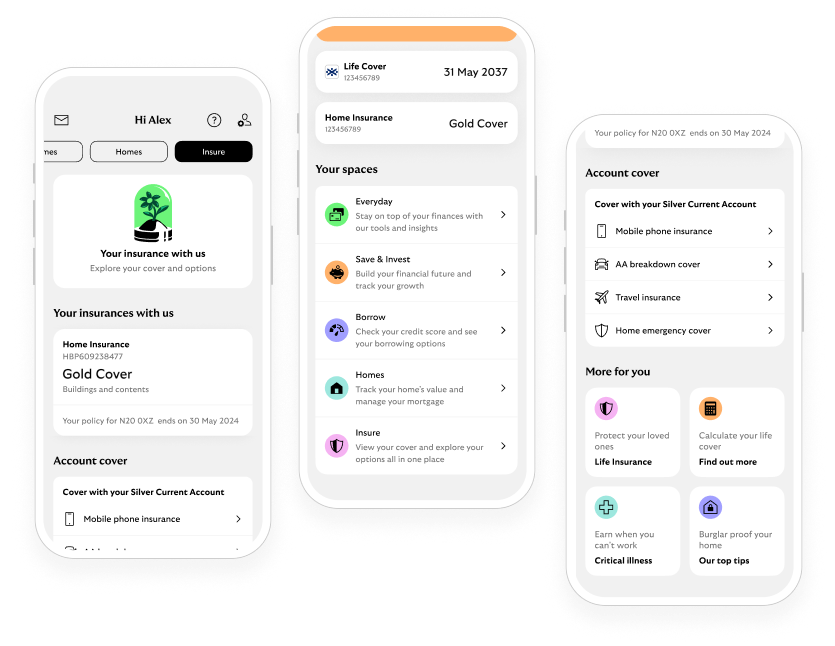
Your home insurance in online banking
Check your cover details and make a claim, all from 1 place.