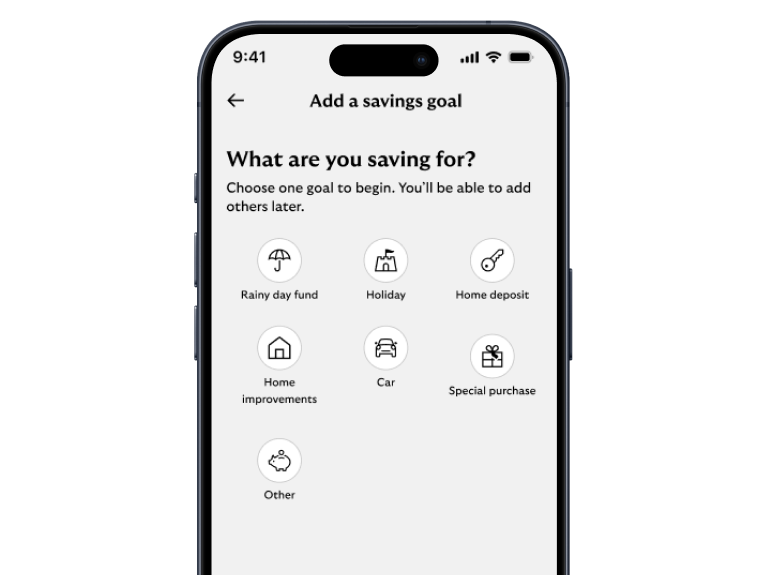
Savings goals


Achieve your financial goals in our app

  • Set your goals, track your progress, and celebrate your wins – all in one place.
  • Choose a goal that matters to you.
  • Track your progress and stay on course.

Steps to take

We'll guide you through it.

Mobile banking app guide
  1. Make sure you have the latest version of the app.
  2. Log in and select the ‘Save & Invest’ tab.
  3. Select ‘Set up a savings goal’.
  4. Select ‘Add a goal’.
  5. You can now set up your goal and personalise it to your liking.

Getting started online


Mobile banking app

Join our 10 million app users.

  • Simple and secure login.
  • Set up handy notifications.
  • Message us online.

Online banking

Log in to view or manage your accounts on our website.

Log in

Register

Mobile banking app

Join our 10 million app users.

  • Simple and secure login.
  • Set up handy notifications.
  • Message us online.

Continue to app

Online banking

Log in to view or manage your accounts on our website.

Log in

Register