Change who can access your accounts
If you’re a Full Access User, you can now update your people more quickly and easily in both Online for Business and the Business banking app.
Online for Business guidance
To Change who can access your accounts using Online for Business, you’ll need to log in. Log in to Online for Business
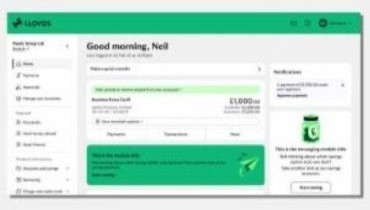
If you see the new look, use these steps
- 1. Select ‘Manage your business’ from the menu on the left-hand side of the screen.
- Under 'People in your business and signing rules' click on Manage your people and controls'.
- Select required option.
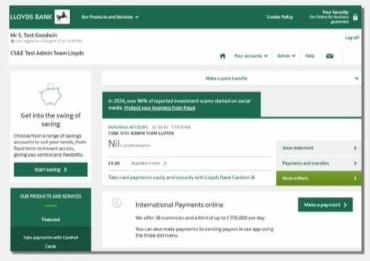
If you don’t see the new look, use these steps
- Select ‘Admin’ then 'Your business' tab.
- Under 'People in your business and signing rules' click on ‘Manage your people and controls’.
- Select required option.
What you can do online
Frequently asked questions
-
You can give people full or limited access to your business accountsmandata variation form Full signatory
Limited signatory
Full signatory
Make payments
Limited signatory

Full signatory
Talk to us about your business account
Limited signatory
Full signatory
Access Online for Business
Limited signatory
Full signatory
Apply for products, such as a loan, overdraft or savings account
Limited signatory
Full signatory
Authorise changes, such as updating your people or updating your business’ address
Limited signatory
Find out more about user access levels.
-
They tell us how many people are needed to approve changes to your business account.