Change your business address
If you're a full access user, you can update your business, registered, mailing and personal addresses within Online for Business and the Business banking app.
Your IBAN is your International Bank Account Number and your BIC (also known as a SWIFT code) identifies the bank. You may need these to send and receive payments outside the UK, including in the EU and EEA, where they’re used instead of your account number and sort code.
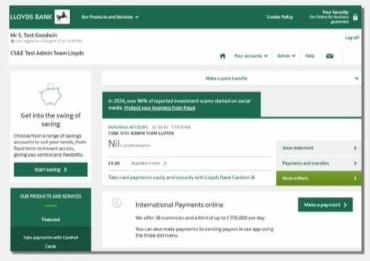
To check these details, simply log into your Online for Business or Commercial Banking Online account.
Find out about international payments for personal customers, including where to find your IBAN and BIC.
To view your IBAN:
Tip: to save this change for next time, select Save view in the top right corner. You can then quickly return to this view by selecting it from the View menu.
You'll find your BIC or SWIFT on your bank statement. At the moment you can't view this in Commercial Banking Online.
You’ll find your IBAN and BIC on the first page of your paper statement.
They’re in the top-right corner, just below your sort code and account number.
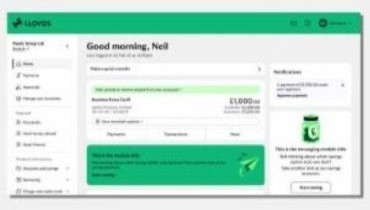
To find IBAN and BIC using Online for Business, you’ll need to log in. Log in to Online for Business
To get you to the right place, we just need to check a few details with you.
Do you have a named Relationship Manager?