Change your business address
If you're a full access user, you can update your business, registered, mailing and personal addresses within Online for Business and the Business banking app.
There are a couple of ways you can order a paper statement by post. Or you can print a statement yourself.
To get a paper statement using Online for Business, you’ll need to log in. Log in to Online for Business
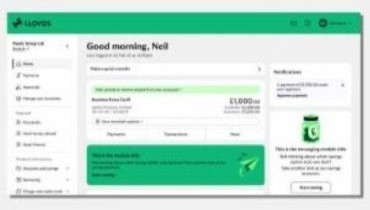
It’s quickest to print a statement yourself.
Or use ‘Search your statement’ to show only certain transactions. Then select ‘Statement options’ and ‘Print current view’.
To order a paper statement:
You’ll receive your statement within 10 working days.
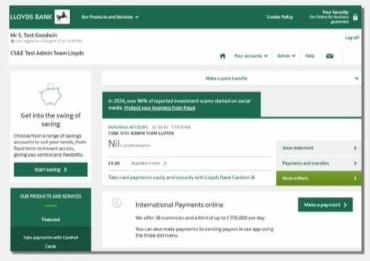
It’s quickest to print a statement yourself. In ‘Statement options’, select ‘Monthly PDFs’. From here you can download and print the statement you need.
Use ‘Search your statement’ to show only certain transactions. Then select ‘Statement options’, then ‘Print current view’.
To order a paper statement:
You’ll receive your statement within 10 working days.
You can choose whether you’d like to receive statements monthly, quarterly or yearly.
To change how often you receive paper statements please contact us.