Change your business address
If you're a full access user, you can update your business, registered, mailing and personal addresses within Online for Business and the Business banking app.
You can make payments in Online for Business, the Business banking app and Commercial Banking Online.
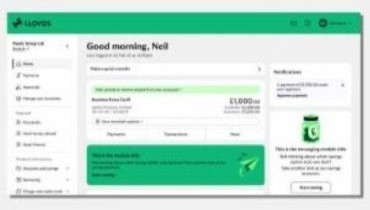
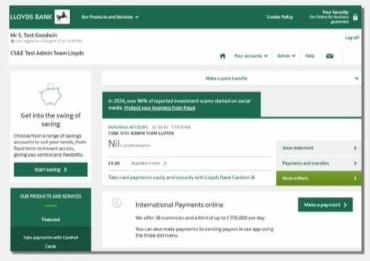
To make a payment using Online for Business, you’ll need to log in. Log in to Online for Business
|
Transaction limit |
Account daily limit |
|
|---|---|---|
|
Transaction limit Internal funds transfer (same name account) |
Account daily limit £250,000 |
No limit |
|
Transaction limit Internal funds transfer (third party) |
Account daily limit £100,000 |
These payments all share a daily limit of £250,000 |
|
Transaction limit Bill payments |
Account daily limit £99,000 |
These payments all share a daily limit of £250,000 |
|
Transaction limit Faster payments |
Account daily limit £100,000 |
These payments all share a daily limit of £250,000 |
|
Transaction limit Internal standing order |
Account daily limit £99,000 |
These payments all share a daily limit of £250,000 |
|
Transaction limit External standing order |
Account daily limit £99,000 |
These payments all share a daily limit of £250,000 |
|
Transaction limit International payment |
Account daily limit £250,000 |
£250,000 |
|
Transaction limit Cheque Deposits |
Account daily limit £20,000 |
£20,000 |
If your payment has been referred, call in as advised on the screen. One of our advisers will take you through additional security in order to process the payment.
You can stop a payment by cancelling it before it’s due.
Please call the Internet Banking Helpdesk on 0345 072 5555 to discuss.
We're open Monday to Friday 8am to 6pm and Saturday 9am to 2pm. This excludes bank holidays.
An adviser will attempt to trace the funds and return them to you, but we can’t guarantee this.
Transactions made on weekends that fall at the end of the month won't appear straightaway in the app. You'll see these transactions in the app on the first day of the next month.
If you need to see them before this, you can view them in Online for Business.
For more information on bulk payments visit our bulk payments page.
For your security, you can only make one payment to a new payee within 60 minutes of setting them up. This payment can’t be more than £5,000. After 60 minutes, you can pay them as normal.
The Online for Business (O4B) daily payment limit refreshes at 11:59pm. That includes on weekends and bank holidays.