Change your business address
If you're a full access user, you can update your business, registered, mailing and personal addresses within Online for Business and the Business banking app.
Find out how to amend a standing order set up by someone in your business. You can change the amount, the date it’s paid on and how often it’s paid.
To amend a standing order using Online for Business, you’ll need to log in. Log in to Online for Business
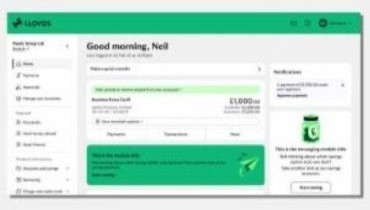
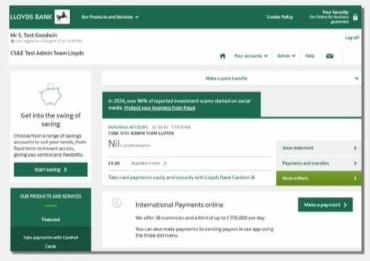
Yes, depending on your level of access, you can cancel standing orders set up on your accounts.
On the account details screen, find the account the standing order is paid from and select ‘More’ and ‘Standing orders’. Then open the standing order you want to delete and select ‘Delete’.
If you are unable to use Online for Business you can tell us by form.
To get you to the right place, we just need to check a few details with you.
Do you have a named Relationship Manager?