Change your business address
If you're a full access user, you can update your business, registered, mailing and personal addresses within Online for Business and the Business banking app.
You can order a replacement card reader by calling us on 0345 072 5555.
We’re open Monday to Friday, 8am to 6pm and Saturday, 9am to 2pm. This excludes bank holidays.
If you’re outside the UK call +44 1733 347 338.
To Order a card reader using Online for Business, you’ll need to log in. Log in to Online for Business
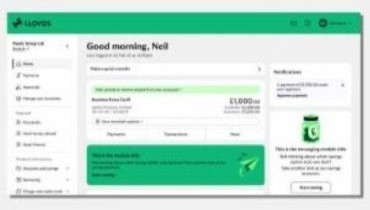
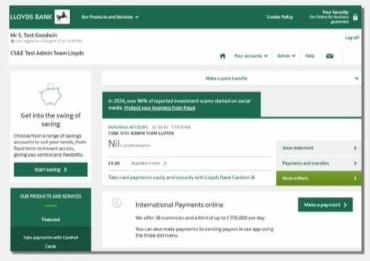
From June 2026, we're refreshing Online for Business with new branding, an updated design and improved navigation. Over the next few weeks, you may see either the current layout or the new experience. The guidance below will help you with both versions.
Use your card reader in Online for Business to:
Please note: there’s a limit of two additional card readers per customer.
Your batteries might need replacing.
If you see a ‘Battery Low’ warning message on the card reader display, the batteries will need replacing.
To replace the batteries, you’ll need 4 x LR44 1.5v batteries and a small screwdriver. Remove the screw at the back of the reader, replace the batteries, and your card reader will be ready to use.
Any UK bank card reader should work with your card in the same way. The card reader doesn’t store any personal information about you, so you can use a colleague’s reader if they have one available.
As long as you have your unique card and PIN, you’ll be able to generate passcodes.