Check and manage upcoming payments
You can do this online
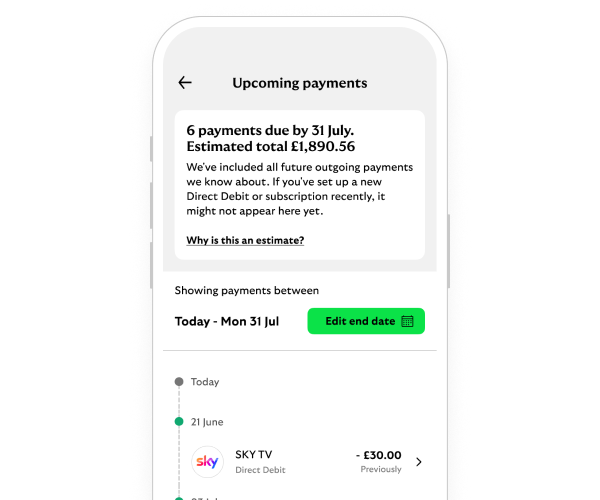
- See your upcoming bills and payments to plan ahead.
- View any payments due to leave your account in the next 31 days or before a date you choose.
- Add your payday to see how much you have left until then.
You may not see direct debits that have been set up recently or changed.
Steps to take
We'll guide you through it.
-
- Log in and select the account you want to view. Then select the three-dot menu.
- Select ’View upcoming payments’.
- You’ll see payments due in the next 31 days. To change the date, select ’Edit end date’.
-
- Log in and select the account you want to view.
- Select ’View upcoming payments’.
- Choose the ’Payments due before date’. You can also opt to ’Add pay day’.
Getting started online
You may also like