Reset your login details
You can do this online
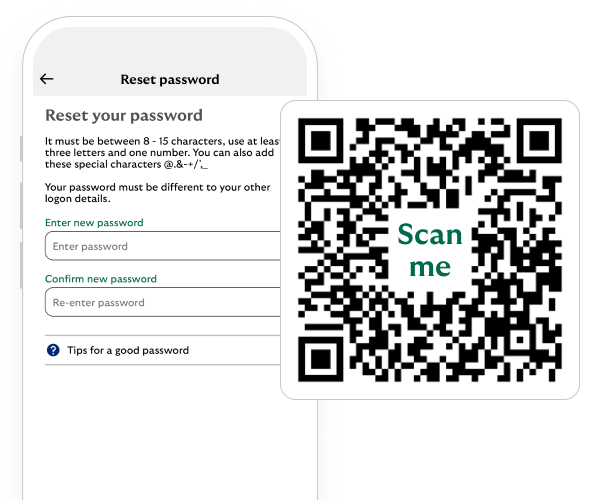
- The app is the simplest way to reset your details.
- If you don’t know your User ID, you can find that out at the same time.
- You can also reset through online banking.
Steps to take
We'll guide you through it.

(1 min 25 secs)
-
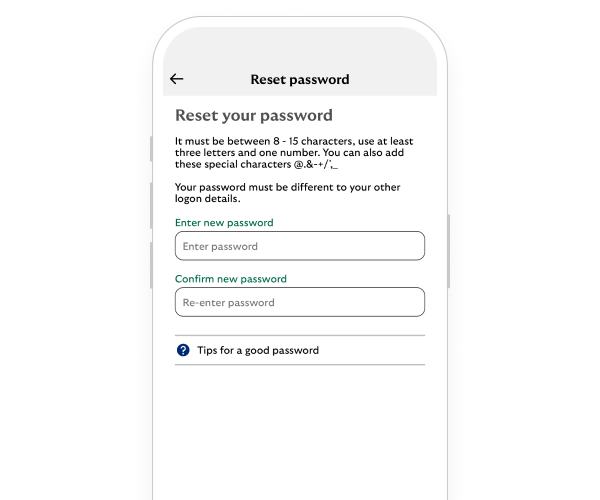
- On the login page, select Forgotten your login details?.
- Enter your details and if you don’t know your User ID, we’ll ask for account details instead.
- We’ll now do a quick security check to confirm it’s you. Select a number for us to contact you on.
- We’ll send you a one-time passcode text, we’ll ask you to enter it. If we called you, we’ll ask you to say or key the code on your phone.
- All done, you’ve updated your details and can use them to log in.
Reset your details
You may also like