
Samsung Pay
Everyday payments with your Samsung smart device
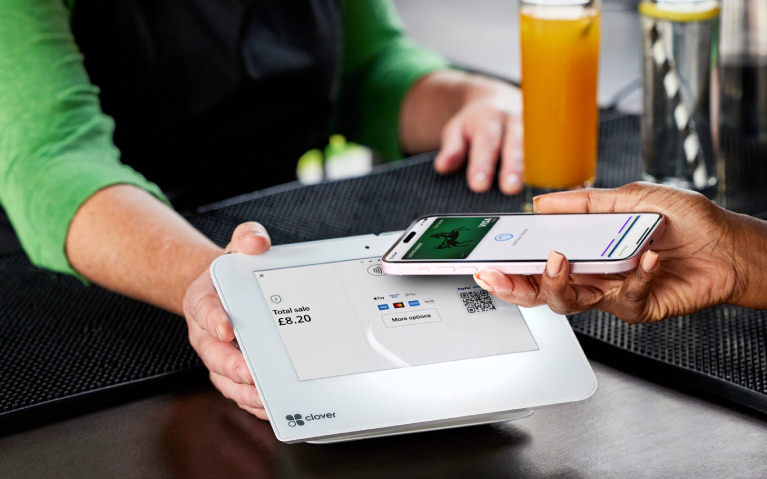
- Make everyday payments using Samsung Pay.
- It’s safe and secure.
- You still get your Offers rewards when you spend.
To protect you from fraud, we may restrict the payments you can make using Samsung Pay.

Steps to take
We'll guide you through it.
-
- Fully close your mobile banking app.
- Log into the Samsung Wallet app and select ‘add payment card’.
- Scan your card or enter your card information manually and agree to the terms of service.
- Verify your card using the Lloyds app.
- All done, you’ve added your card to Samsung Pay.
Let’s look at the details
You may also like
Important legal information
Samsung and Samsung Pay are trademarks or registered trademarks of Samsung Co. Ltd.
Samsung Pay is not available on all debit cards and is not available on credit cards. Restrictions include: Electron cards, non-personal accounts, Basic Bank accounts and customers under 18 years. Samsung wallet app must be downloaded and is available on Samsung devices with contactless capability (NFC), running on the Android 4.4 KitKat Operating system or newer.
Mobile Banking: Mobile Banking is available to online banking customers. We don’t charge you for Internet Banking but your mobile phone provider may charge for some services. Please check with them. Phone signal and functionality may affect services. Terms and conditions apply.