Order a replacement card
You can do this online
- Use this service if your card is damaged or not working.
- When ordered, you'll receive a new card within five working days.
- You can use the app to view your new card details while you're waiting.
To use our online service your registered address needs to be within the UK.
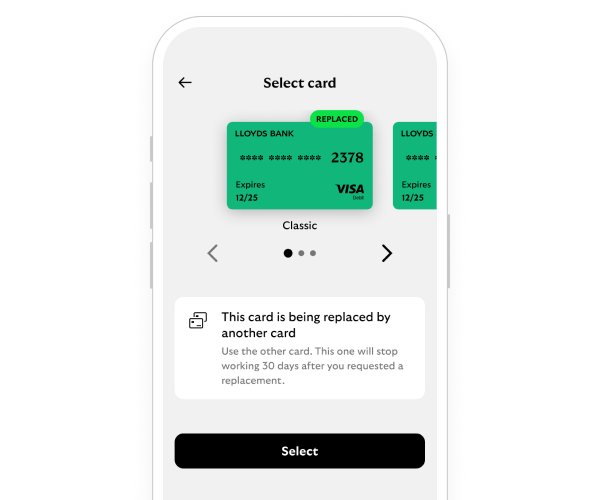
Steps to take
We'll guide you through it.
-
- Log in and select 'Cards' in the bottom navigation bar, then 'Replace card & PIN'.
- Scroll down and select 'Replace card'.
- Check your address. If this matches what is on your statements, scroll down and select continue.
- All done, your replacement card will arrive within the next five working days.
-
- Log in and select 'Help & Support', then 'Order a replacement card or PIN'.
- Scroll down and select 'replace card'.
- Check your address. If this matches what is on your statements, scroll down and select 'continue'.
- All done, your replacement card will arrive within the next five working days.
Getting started online
-
You can call us if you're not registered for online banking. If you prefer to bank in person, there’s a range of services in your local area.
Need help?
If you're registered for online banking, the fastest way to get in touch is by messaging us securely online.
Let’s look at the details
-
-
-
We send contactless cards to all accounts unless you have opted out of contactless in the past.
You may also like