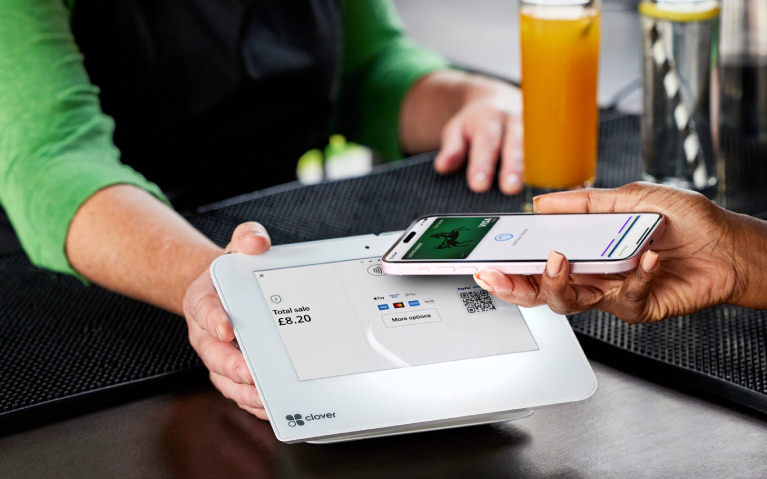
View your card details
You can do this in our app
- Use the app to view your credit or debit card details.
- Buy things online or over the phone, even if you don't have your card to hand.
- It's safe and secure. You can only view your card when you've securely logged in.
For new accounts you can start using this feature as soon as the application process is complete.
Steps to take
We'll guide you through it.
-
- Log in to the app. Then select 'Cards' on the bottom right of the app.
- Select 'View card details' from the list.
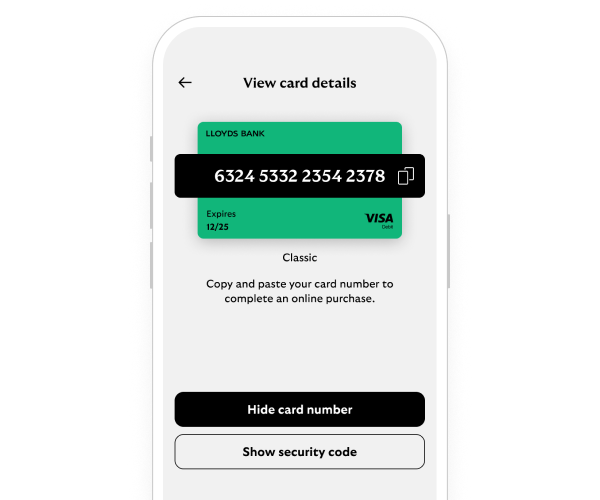
- Choose the card you want to view then select 'View card details' again. This will display your 16-digit card number. You can only view details of active cards.
- You can copy your card number by selecting 'Tap to copy' and pasting it into the checkout you’re using. Select 'Hide card number' to hide it once you’re done.
- Select 'Show security code' to see your 3-digit code. This can be used to make a purchase online or over the phone. Select 'Hide security code' to hide your 3-digit code from view.
- That's it. You can go into the app anytime and view your card details.
Getting started in the app
Need help?
If you're registered for online banking, the fastest way to get in touch is by messaging us securely online.
Let’s look at the details
You may also like