Transfer money between your accounts
You can do this online
- Move money between your Lloyds, Bank of Scotland and Halifax accounts using online banking or in the app.
- Transfers are instant.
- You can transfer as much as you want and as often as you want.
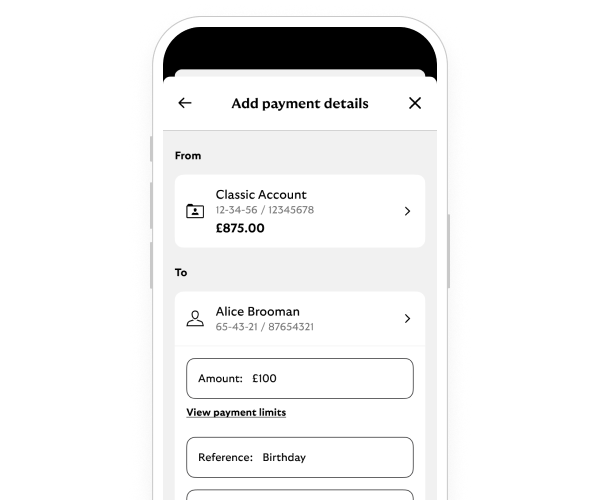
Steps to take
We'll guide you through it.

(52 secs)
-
- Log in and select 'Payments' from your account.
- Select 'Choose who to pay'. Then select the account you want to transfer to.
- Enter the amount. Then select 'Continue'.
- Check the details. Then select 'Confirm' to make the transfer.
- You’ll see a message to confirm that your transfer has taken place.
-
- Log in and select 'Make a quick transfer' from the top of your account page.
- Enter the amount you want to transfer.
- Select the account you want to transfer money from. Then choose where to send the money.
- Check the details. Then select 'Transfer'.
- You’ll see a message to confirm that your transfer has taken place.
Getting started online
-
You can call us if you're not registered for online banking. If you prefer to bank in person, there’s a range of services in your local area.
Need help?
If you're registered for online banking, the fastest way to get in touch is by messaging us securely online.
You may also like