Offers
Get up to 15% cashback on your everyday spending
- Earn cashback with selected retailers when you pay by card or direct debit.
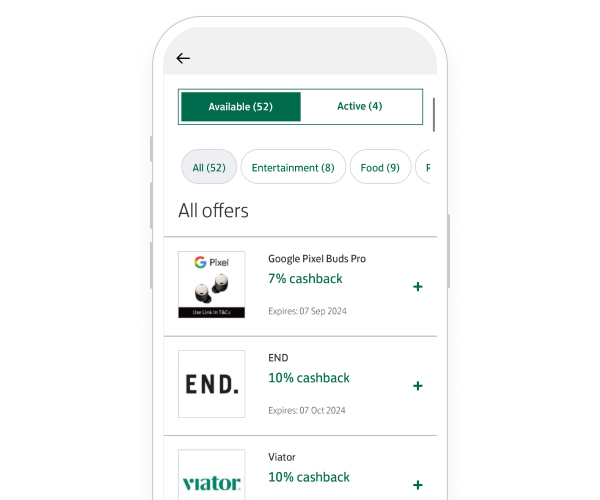
- View and activate your offers wherever you are in the app or online banking.
- Receive your cashback into your account at the end of the following month.
Retailer offers and cashback amounts vary.
Steps to take
We'll guide you through it.

(2 min 3 secs)
-
- Log in and find or search 'Offers'.
- Select 'Yes I want Offers' and follow the on-screen instructions to opt in if you haven't already.
- All done, activate the offers you're interested in. You can review your offers at any time.
-
- Log in and under 'Get add-ons' on 'Offers', select 'Find out more'.
- Select 'Set up Offers' and follow the on-screen instructions to opt in if you haven't already.
- All done, activate the offers you're interested in. You can review your offers at any time.
- Log in and under 'Get add-ons' on 'Offers', select 'Find out more'.
Getting started online
-
You can’t activate Offers in a branch or over the phone. Instead, you’ll need the app or online banking.
Let’s look at the details
You may also like