Change your direct debit

Changes to your payment

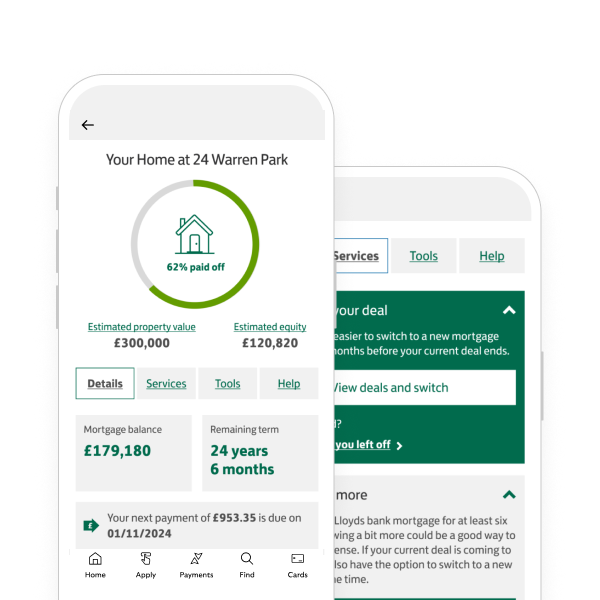
  • Managing your mortgage direct debit is easy in our mobile banking app or by using online banking. Just head to the Home Wise space.

    With Home Wise, you can

    • View your current direct debit details.
    • Change your direct debit date.
    • Change the bank account from which your direct debit is collected.
    • Change the bank account and date for your direct debit.

    You can also update your direct debit payment date using our online form. Once we’ve updated it, we’ll send written confirmation to you.

    Here are some things to think about before you change your payment date

    • You can only choose a date between the 1st and 28th of the month.
    • Your payment date needs to be the same each month.
    • The best day of the month to make your monthly payment is the 1st. This is when we charge the smallest amount of interest for the month. For most accounts, we work out the interest daily.
    • Sometimes, changing your payment date might make your payment amount go up or down. We’ll tell you if this is the case. Usually, any changes are relatively small.

    If you make a change within 7 working days of your current payment date, it won’t start until the next month. As a result, you might make 2 payments in a short space of time.

    For example, if your current payment date is at the end of 1 month and you change it to the start of the next, you may end up making 2 payments close together.

    Change payment date

    You can also change your direct debit payment date by calling us.

    We’ll send a letter or text message to confirm your new payment date.

  • Managing your mortgage direct debit is easy in our mobile banking app or by using online banking. Just head to the Home Wise space.

    With Home Wise, you can

    • View your current direct debit details.
    • Change the bank account from which your direct debit is collected.
    • Change your direct debit date.
    • Change the bank account and date for your direct debit.

    By post

    Complete and return our direct debit instruction form (PDF, 183Kb) to this address:

    Lloyds Bank,
    Barnett Way,
    Gloucester,
    GL4 3RL

    By phone

    You can also call us to change your direct debit details.

    We’ll automatically update your account and let you know when your new direct debits will start.

    Your new direct debit will be covered by the Direct Debit Guarantee. You can find out more on the direct debit instruction form.

  • If you’ve cancelled a direct debit and would like to restart it using the same bank details, complete our quick online form to set it back up.

    If you’ve cancelled a direct debit more than 2 months ago and don’t bank with us, we might need to contact you for more details after you’ve completed our form.

    Restart a direct debit

  • Your direct debit will automatically change if your mortgage payment changes. For example, when a change in interest rate affects the payment amount.

    If you set up a regular overpayment, we’ll update your existing direct debit to the new higher amount.
    Learn more about regular overpayments

    If you make a one-off overpayment, you might be able to reduce your monthly direct debit payments.
    Learn more about one-off overpayments

    If there are any changes, we’ll always get in touch – you don’t need to do anything.

  • If your direct debit has failed or you think it will, we’ll try to take your payment again 10 working days after the first direct debit has failed. For example, if your direct debit was due on Monday 01 of the month, the second attempt will be made on Monday 15 of the month. If your direct debit payment is on a bank holiday, we’ll take it the next working day.

    If the second direct debit attempt is made on the following month, this could impact your credit file.
    If you’ve made or want to make a payment to avoid the second attempt, call us.

    Worried about future payments?

    Get support with your mortgage or call us

    Already missed a payment?

    We can now give you even more help online to meet your needs.​

    In the app

    Search for ‘Need help with your debt or payments’ or select the 3-dot menu to find it.​

    On a phone

    Select the ‘Our products and services’ tab. Then select ‘Need help with debt or payments?’ under ‘Mortgages’.​

    On a computer

    Select ‘Need help with your debt or payments?’ on the account menu.​

    If you prefer to speak to someone, you can call us.

Getting started online


Mobile banking app

Join our 10 million app users.

  • Simple and secure login.
  • Set up handy notifications.
  • Message us online.

Online banking

Log in to view or manage your accounts on our website.

Log in

Register

Mobile banking app

Join our 10 million app users.

  • Simple and secure login.
  • Set up handy notifications.
  • Message us online.

Continue to app

Online banking

Log in to view or manage your accounts on our website.

Log in

Register

Introducing Home Wise

Manage your mortgage all in one place.

Learn more

You may also like

Meet our app spaces

From everyday banking to long term goals, get an at-a-glance overview of what's important to you.

Explore spaces

Existing customers

Get answers to your everyday questions. We have a wide range of topics to support you and your mortgage.

Existing customers

Everyday banking online

Manage your profile, money or cards from your sofa with the app or online banking.

What you can do online

Managing your mortgage

Learn how to make the best of your mortgage with us.

Manage your mortgage

Managing your mortgage

Learn how to make the best of your mortgage with us.

Manage your mortgage